URLSession — HTTP Logging
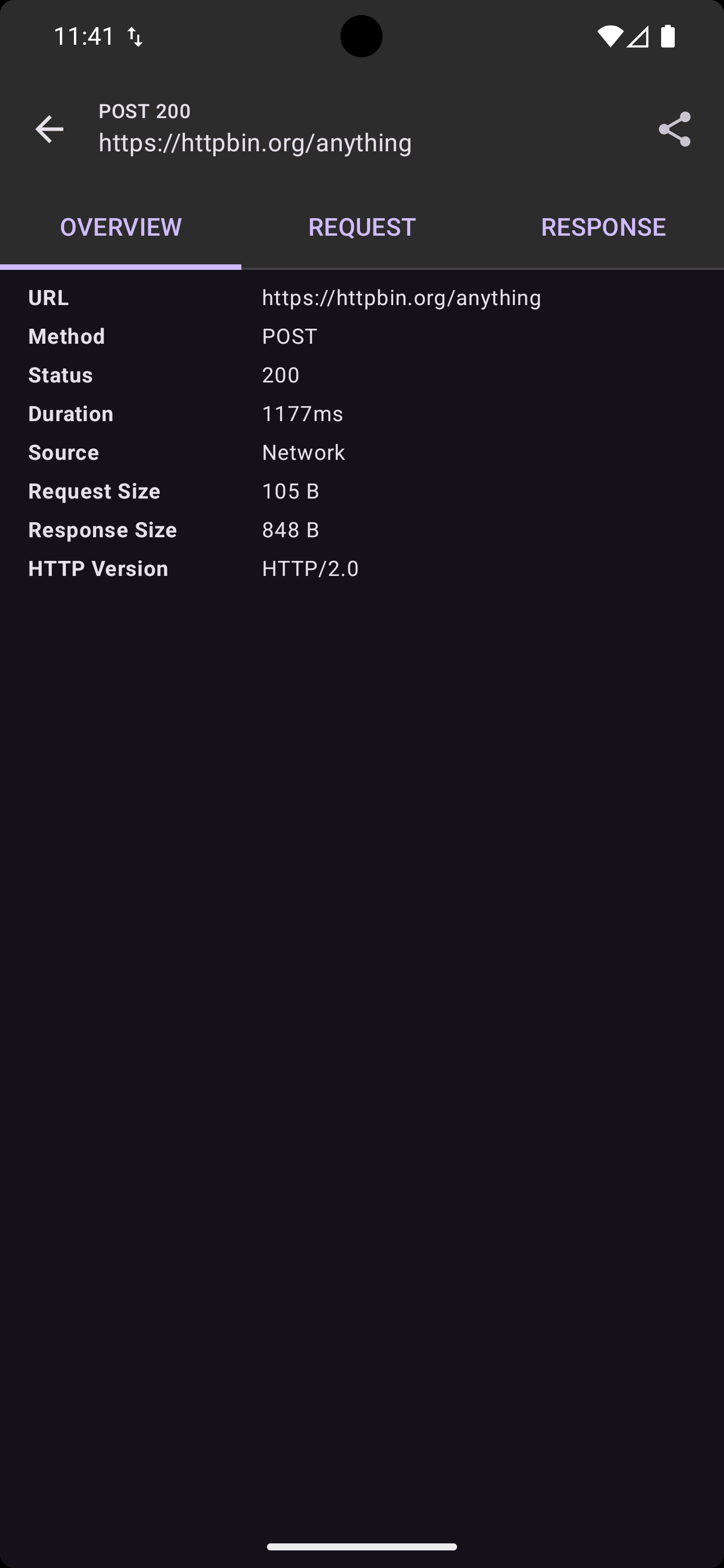
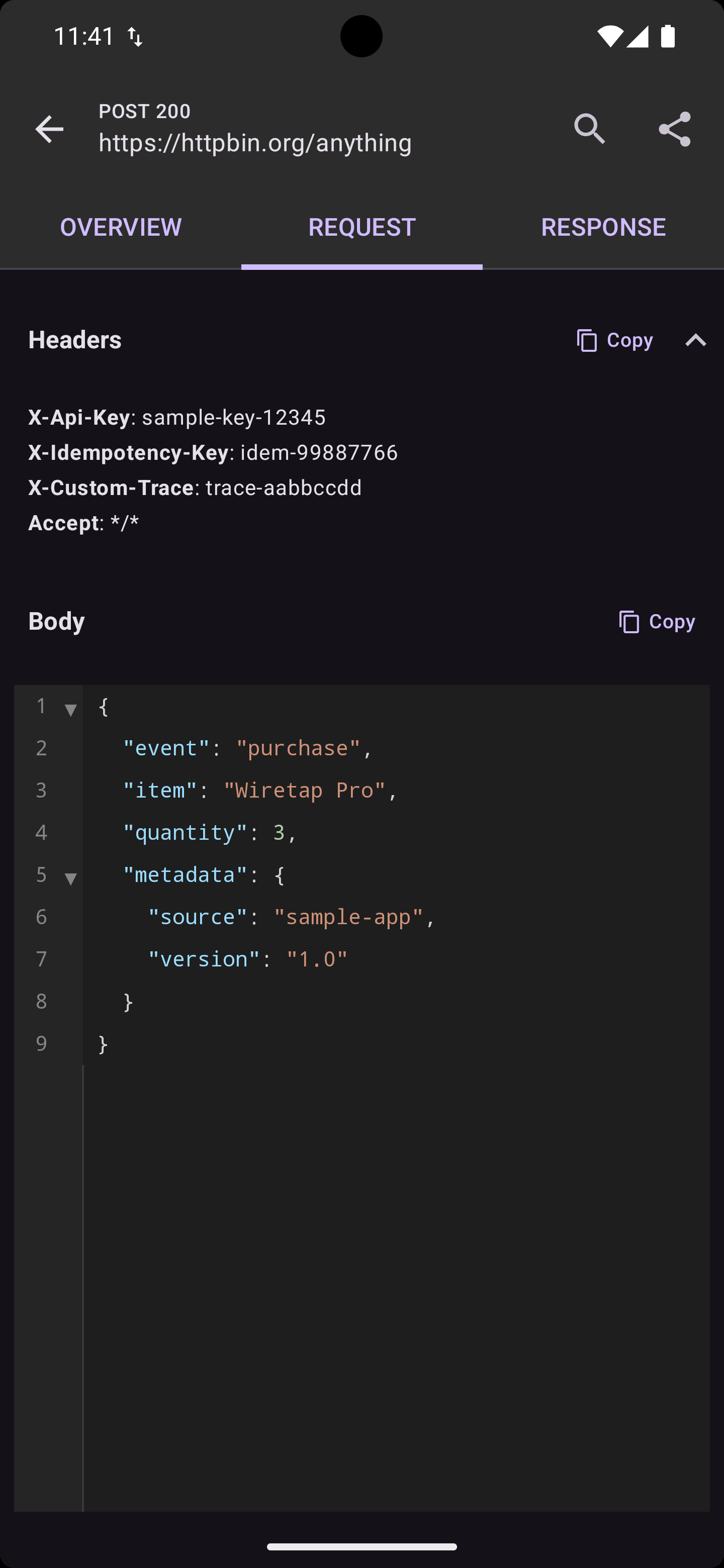
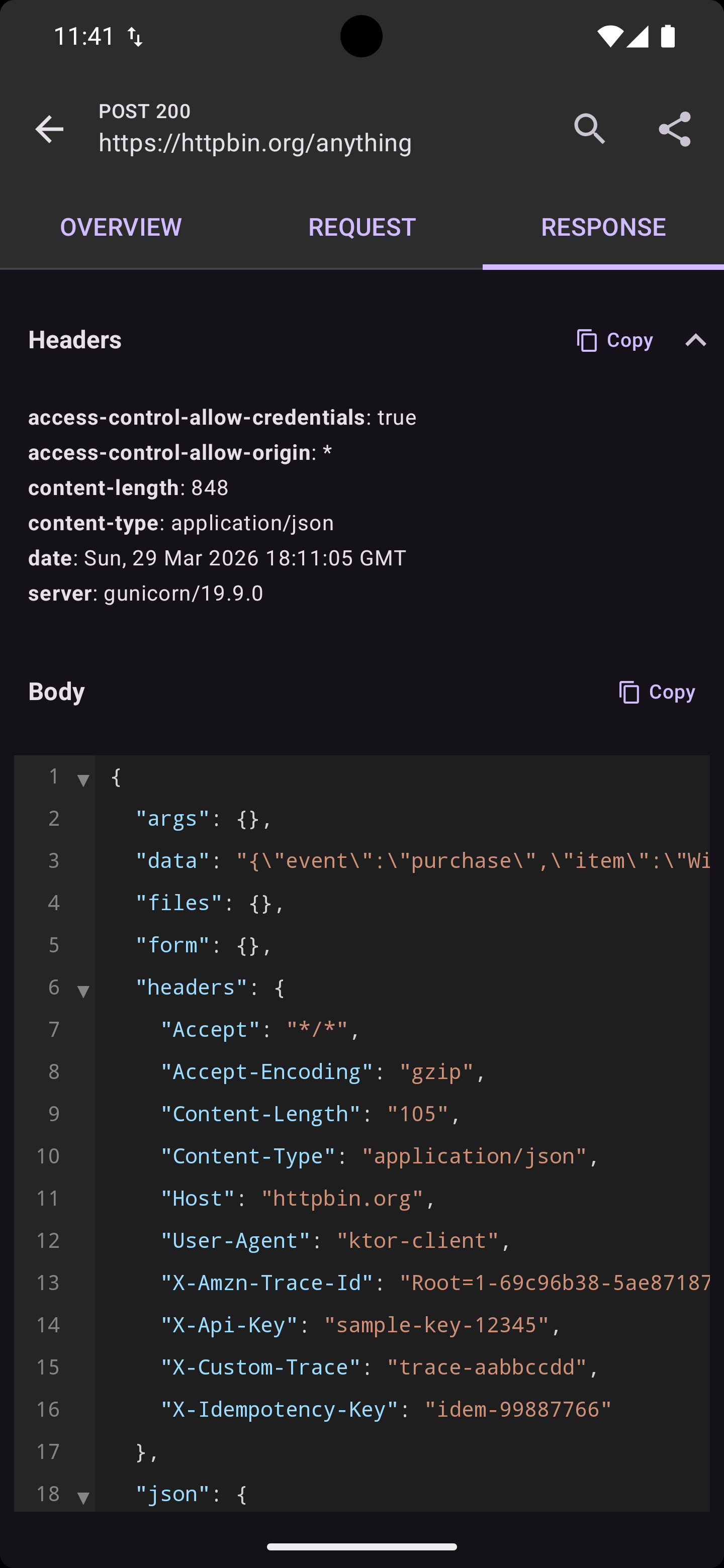
Two APIs
WiretapURLSession provides two ways to make requests:
dataTask() — Logging with Task Control
Returns an NSURLSessionDataTask for standard URLSession patterns:
let url = URL(string: "https://api.example.com/users")!
let request = URLRequest(url: url)

let task = session.dataTask(request: request) { data, response, error in
    guard let data = data, error == nil else {
        print("Error: \(error?.localizedDescription ?? "Unknown")")
        return
    }
    let json = try? JSONSerialization.jsonObject(with: data)
    print(json ?? "No data")
}
task.resume()
- Returns the data task — caller must call
resume() - Supports cancellation via
task.cancel()(logged automatically) - Logging only — mock and throttle rules are NOT applied
intercept() — Full Rule Support
Fire-and-forget execution with mock and throttle rule support:
session.intercept(request: request) { data, response, error in
    guard let data = data, error == nil else {
        print("Error: \(error?.localizedDescription ?? "Unknown")")
        return
    }
    let json = try? JSONSerialization.jsonObject(with: data)
    print(json ?? "No data")
}
- Automatically executes the request and calls the completion handler
- If a mock rule matches, returns mock data without network access
- If a throttle rule matches, delays execution using GCD (
dispatch_after) - No task object returned — cannot cancel
URL Convenience Overloads
// URL string
let task = session.dataTask(url: "https://api.example.com/users") { data, response, error in
    // handle response
}
task.resume()

// NSURL
let task = session.dataTask(url: myNSURL) { data, response, error in
    // handle response
}
task.resume()
When to Use Which API
| Feature | dataTask() |
intercept() |
|---|---|---|
| HTTP logging | ✅ | ✅ |
| Cancel support | ✅ | — |
| Returns task | ✅ | — |
| Mock rules | — | ✅ |
| Throttle rules | — | ✅ |
| Auto-executes | — | ✅ |
Use dataTask() for standard networking (most use cases).
Use intercept() when you need mock/throttle rule support.
Cancellation
Cancelled requests are automatically detected and marked in the inspector UI:
let task = session.dataTask(request: request) { _, _, error in
    if let error = error as? NSError, error.code == NSURLErrorCancelled {
        print("Request was cancelled")
    }
}
task.resume()

// Cancel after 1 second
DispatchQueue.global().asyncAfter(deadline: .now() + 1.0) {
    task.cancel()
}
POST Request Example
var request = URLRequest(url: URL(string: "https://api.example.com/users")!)
request.httpMethod = "POST"
request.setValue("application/json", forHTTPHeaderField: "Content-Type")
request.httpBody = try? JSONSerialization.data(withJSONObject: [
    "name": "John Doe",
    "email": "john@example.com",
])

session.intercept(request: request) { data, response, error in
    // Request body is captured in the log
}
Custom Session Configuration
Pass a custom NSURLSessionConfiguration for timeouts, caching, etc.:
let config = URLSessionConfiguration.default
config.timeoutIntervalForRequest = 5

let session = WiretapURLSession(configuration: config) { config in
    config.enabled = true
}
How It Works
dataTask() Flow
- If
enabled = false, returns rawsession.dataTaskWithRequest() - Extracts request metadata and logs request
- Wraps completion handler to capture response
- If cancelled, marks the log entry as cancelled
- Returns the data task (caller must
resume())
intercept() Flow
- If
enabled = false, executes request directly (no logging) - Initializes session if needed (clears logs for
AppSessionretention) - Extracts request metadata (URL, method, headers, body)
- Evaluates mock/throttle rules via
FindMatchingRuleUseCase - Applies log retention (prunes old entries for
Daysretention) - Logs request to database (if
shouldLogpasses) - Mock rule: calls completion handler with mock data immediately
- Throttle rule: delays via
dispatch_afteron GCD global queue, then executes - No rule: executes request immediately
- Logs response when complete (or marks cancelled)
Error Handling
| Scenario | Response Code | Response Body |
|---|---|---|
| Success | HTTP status | Response data |
| Network error | 0 |
NSError.localizedDescription |
| Cancelled | Marked cancelled | — |
| In-progress | -2 |
— |
Debug vs Release
Use WiretapURLSession in debug builds and plain URLSession in release — zero framework overhead in production:
#if DEBUG
import WiretapURLSession
#endif

class NetworkClient {
    #if DEBUG
    private let session = WiretapURLSession { config in
        config.enabled = true
    }
    #else
    private let session = URLSession.shared
    #endif
}
Confine #if DEBUG to the session property and a pair of bridge methods (see Setup). The rest of your networking code stays #if-free.